DAYWORKBOOK VS PAPER

Paper Works. Until It Doesn't.

Paper daywork books work fine — until billing time.

Then it's weekends of sorting, calculating, and hoping you didn't lose anything.

  • One daysheet, signed on site
  • Rates applied automatically
  • Invoice-ready in minutes, not weekends
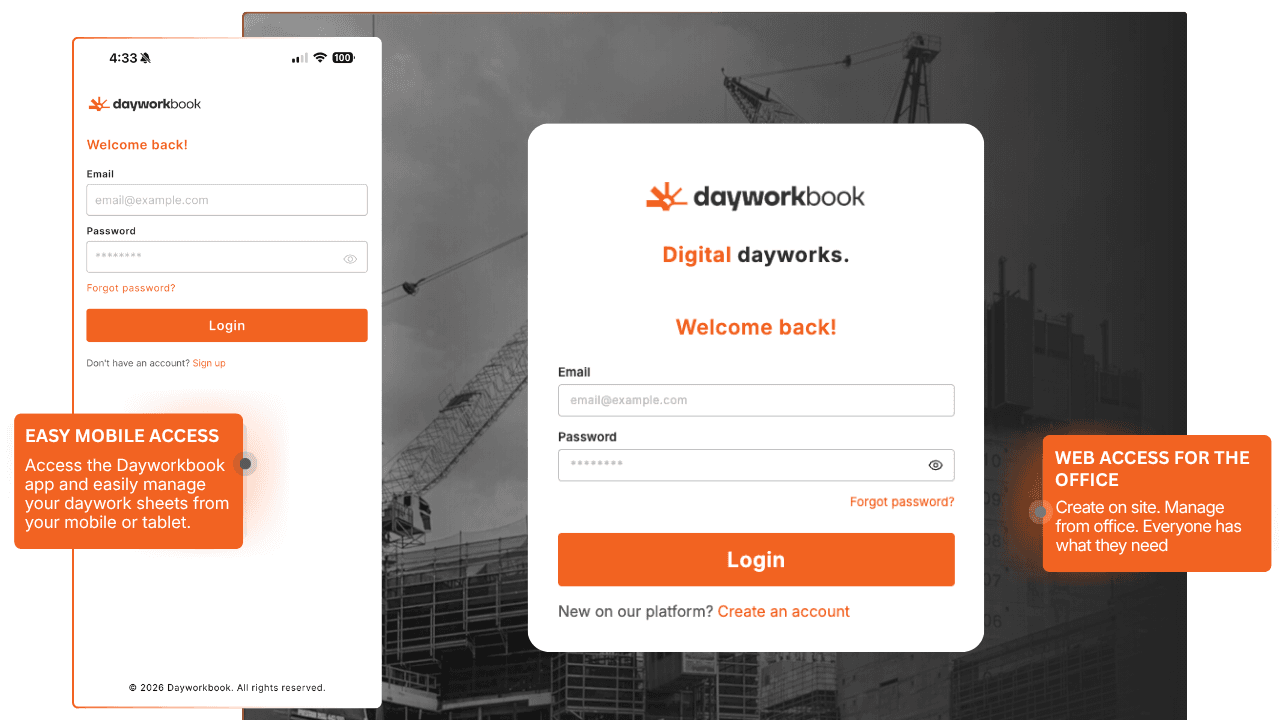
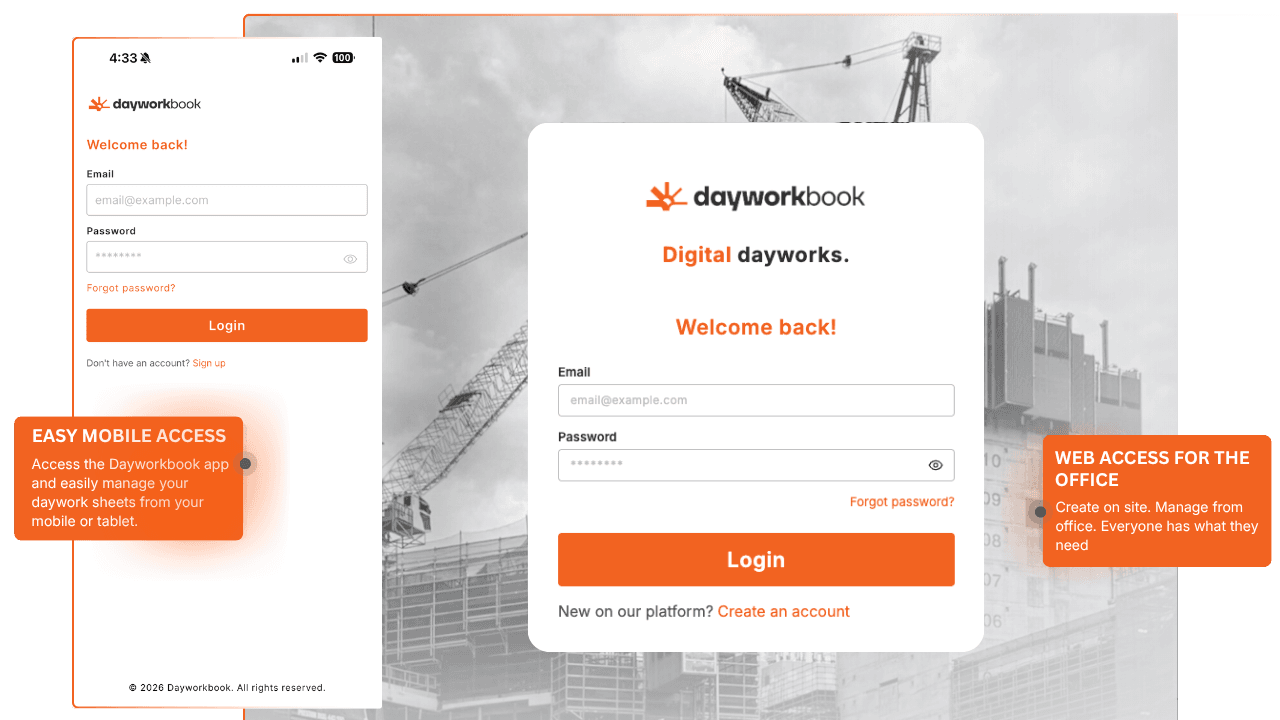
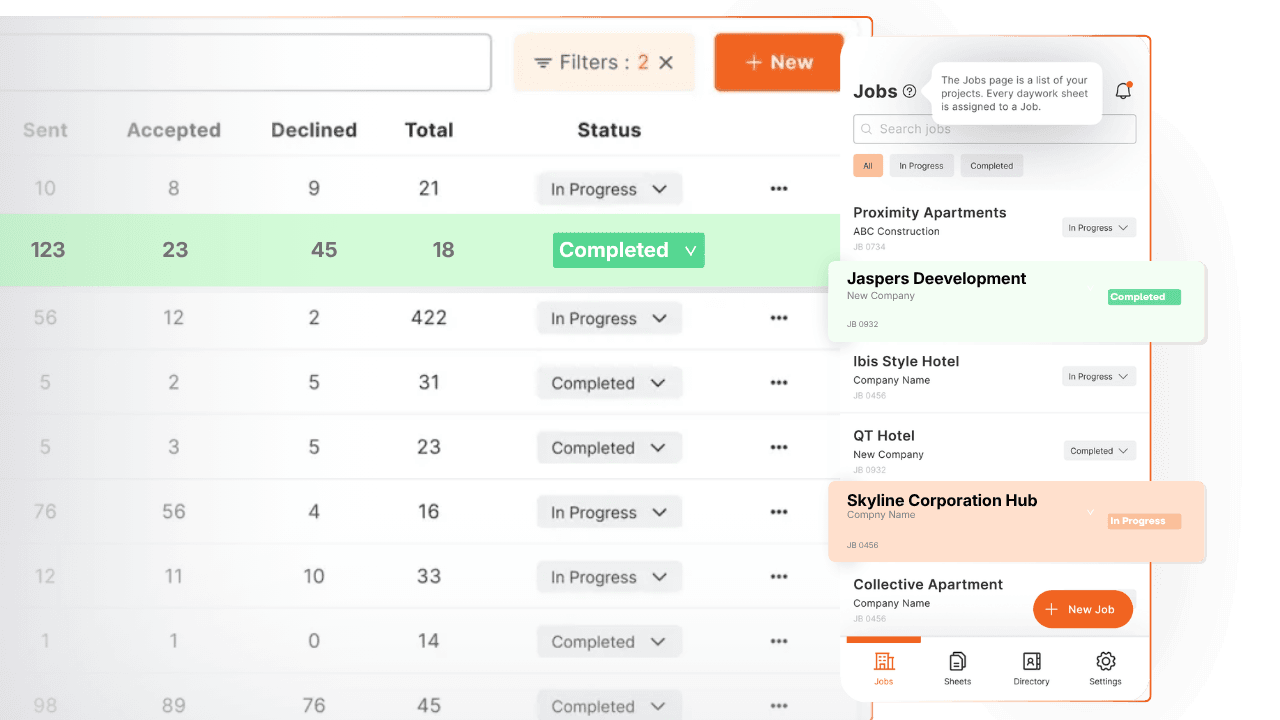
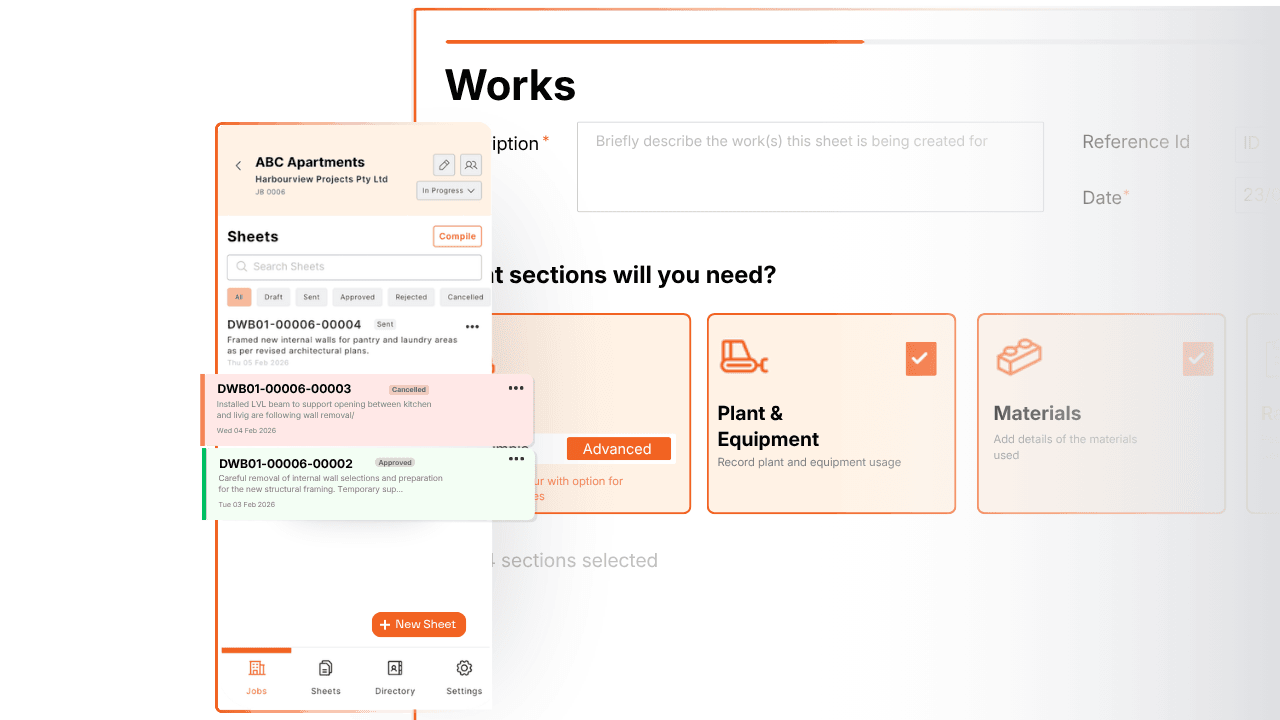
Dayworkbook on mobile and desktop

Paper Works... On Site

Paper daywork books have worked for decades. Everyone knows how to use them. They're cheap. They don't need charging. They work in any weather. For capturing information on site, paper is simple and familiar. This is why paper persists—it does one part of the job reasonably well. Write down the hours, get a signature, move on to the next task. The on-site part works fine.

Where Paper Fails: Billing Time

The problem isn't capturing daywork on paper—it's what happens after. At billing time, someone (usually you) spends hours hunting through paper sheets, deciphering handwriting, manually entering quantities into spreadsheets, applying rates with a calculator, double-checking calculations, formatting everything professionally, and hoping nothing was lost or damaged in the meantime. That's 10-12 hours every month on administrative work that creates zero additional value. Paper's simplicity on site becomes complexity at billing time. Lost sheets, illegible handwriting, missing signatures, water damage, sheets left in truck, disputes over quantities—paper creates problems that digital solutions simply don't have.

What Dayworkbook Was Designed For

Dayworkbook brings paper's on-site simplicity to the entire daywork workflow—including the billing part paper fails at. Best-in-class daywork sheets on your phone or tablet capture information as easily as paper, with proper structure for labour, plant & equipment, materials, and rate items built in. Digital signatures captured immediately while you're there. Photos attached automatically. Then at billing time: select your sheets, click "Bill," get complete billing report with all rates applied in 30 seconds. No manual compilation. No calculator. No weekend administration. The platform works for any trade globally, any company size, maintaining paper's simplicity while eliminating paper's billing burden.

The Transition Reality

Paper users worry about change. The reality: if your team can use paper, they can use Dayworkbook—it's actually simpler because the platform handles all the calculations and compilation automatically. No training needed. Setup takes 5 minutes. Your first digital daywork sheet takes 2 minutes to create. Then at billing time, you get hours of your life back every month. Simple on site. Simple at billing. That's the difference.

What Paper Can Never Do

Paper works for site capture. But here's what you'll never have with paper daywork books:

Automatic billing reports:

Select sheets, click "Bill," get complete report with all rates applied in 30 seconds—no manual compilation

Zero lost sheets:

Cloud backup means sheets never disappear, get damaged, or left in someone's truck

Instant client approval:

Digital signatures on site, client notified immediately—no waiting for posted sheets

Legible documentation:

Professional typed sheets, never illegible handwriting disputes

Attached photos:

Unlimited photos directly with sheets, not separate files to cross-reference

Automatic calculations:

Configure rates once, they apply automatically—no calculator, no errors

Complete audit trail:

Know exactly when sheets were created, signed, approved—timestamped proof

Client portal visibility:

Clients see sheets in real-time, reduce disputes, faster approvals


The reality:

Paper gets you through the day. Digital gets you through billing without losing your weekend.

Paper vs Purpose-Built Platform

CapabilityPen & PaperDayworkbook
On-Site Capture✓ Simple and familiar✓ Just as simple, more structured
Works in Any Condition✓ Weather resistant✓ Mobile devices
Signatures✓ Pen on paper✓ Digital on device
Sheet Loss RiskHigh (physical sheets)Zero (cloud backup)
LegibilityVariable (handwriting)Perfect (typed)
Photo Documentation✕ Separate camera/phone✓ Unlimited, attached to sheets
Rate Application✕ Manual calculation✓ Automatic from rate cards
Billing Reports✕ Hours of manual work✓ 30 seconds automatic
Client Portal✕ Post/email PDF scans✓ Real-time visibility
Audit Trail✗ No timestamps✓ Complete history
Dispute EvidenceWeak (degraded paper)Strong (timestamped digital)
Time Creating Sheet5 minutes (then data entry later)2 minutes (done immediately)
Time on Monthly Billing10-12 hours (manual)30 minutes (automated)
Calculation ErrorsHigh risk (manual)Zero (automated)
Cost Per Sheet~$2 (book + admin time)$3 (but saves 10+ hours/month)

“Dayworkbook built the first next-generation daywork platform.”

MOBILE & WEB

Mobile & Web Access

Create on site. Manage from office.

Mobile for the field. Web for the office. Everyone has what they need.

BUILT FOR HOW YOU WORK

The reality

Field teams need mobile. Admin staff prefer desktop. Dayworkbook gives you both.

Mobile & Web Access
RATE MANAGEMENT

Smart Rate Management

Configure once. Apply everywhere.

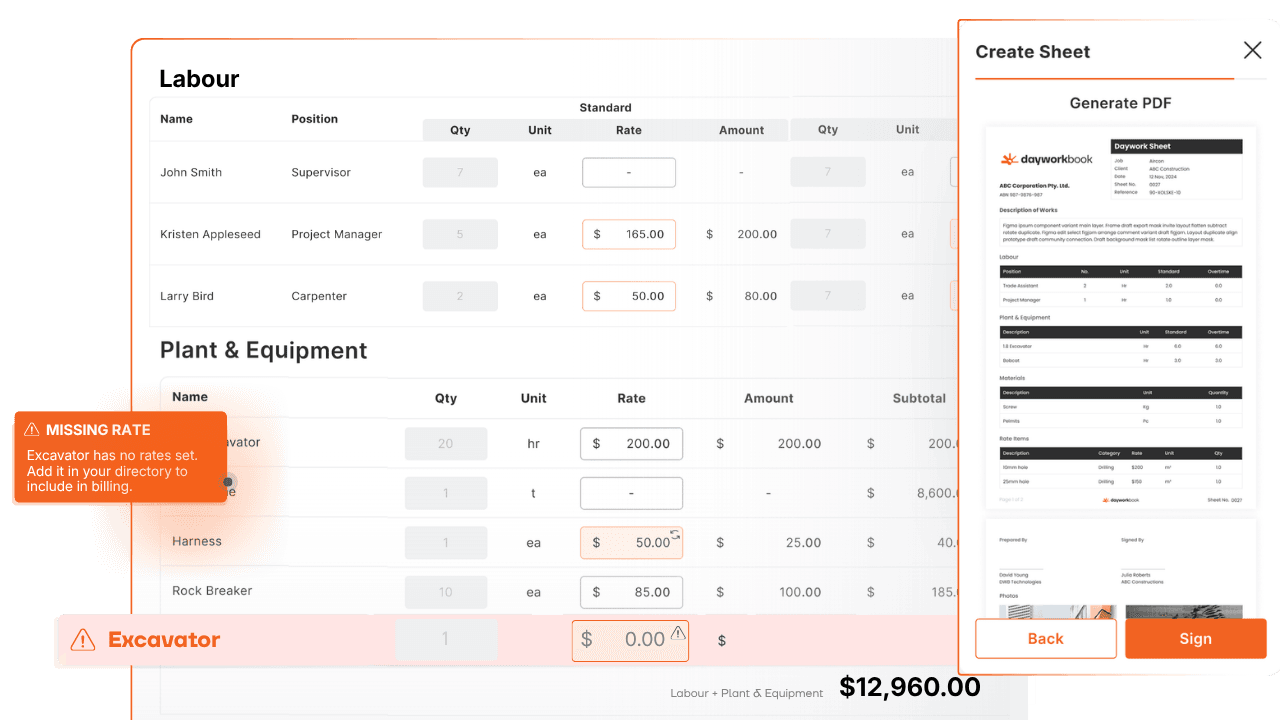
Build your rate directory — labour, plant, materials. Every sheet pulls from it automatically.

HOW IT WORKS

Rate Directory

Your master rates live in one place. All pricing applied automatically.

Smart Rate Management
DOCUMENTATION

Professional Documentation

Every job, every detail. Captured.

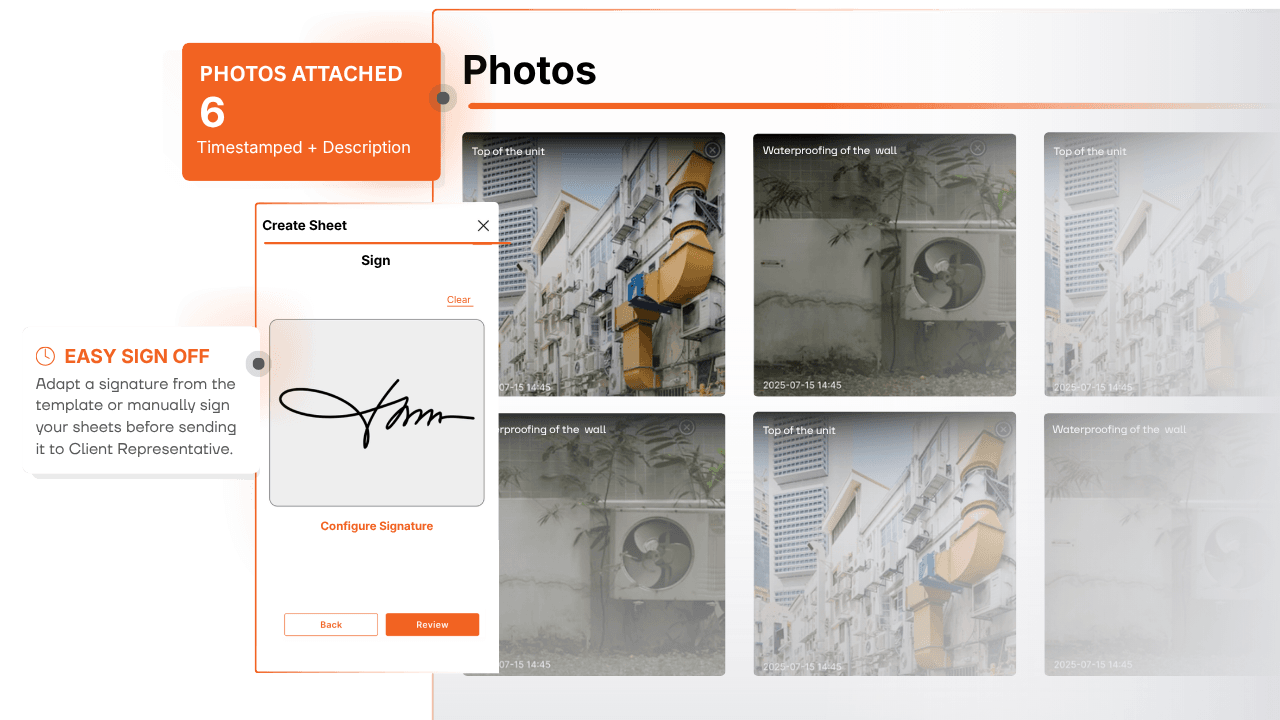
Detailed sheets directly on site. Labour, plant, materials, photo evidence — timestamped to the job.

ON SITE

Capture in Real Time

Foremen create sheets while work is happening — not from memory.

Professional Documentation
APPROVALS

Easy Client Sign-Off

Signed on site. Not weeks later.

Capture the principal contractor's signature on the sheet while work is fresh.

DIGITAL SIGNATURE

Sign Before Leaving Site

Principal signs on your device. Signed PDF auto-sent to all parties.

Easy Client Sign-Off
AUTOMATED BILLING

Automated Billing Reports

Daywork to invoice in minutes.

Pick a date range or project — Dayworkbook compiles every approved sheet into one billing report.

ONE CLICK

Weeks of Sheets. One Report.

No manual totalling. No formatting. Select and export.

Automated Billing Reports
COLLABORATION

Multi-User Access

Your whole team. One platform.

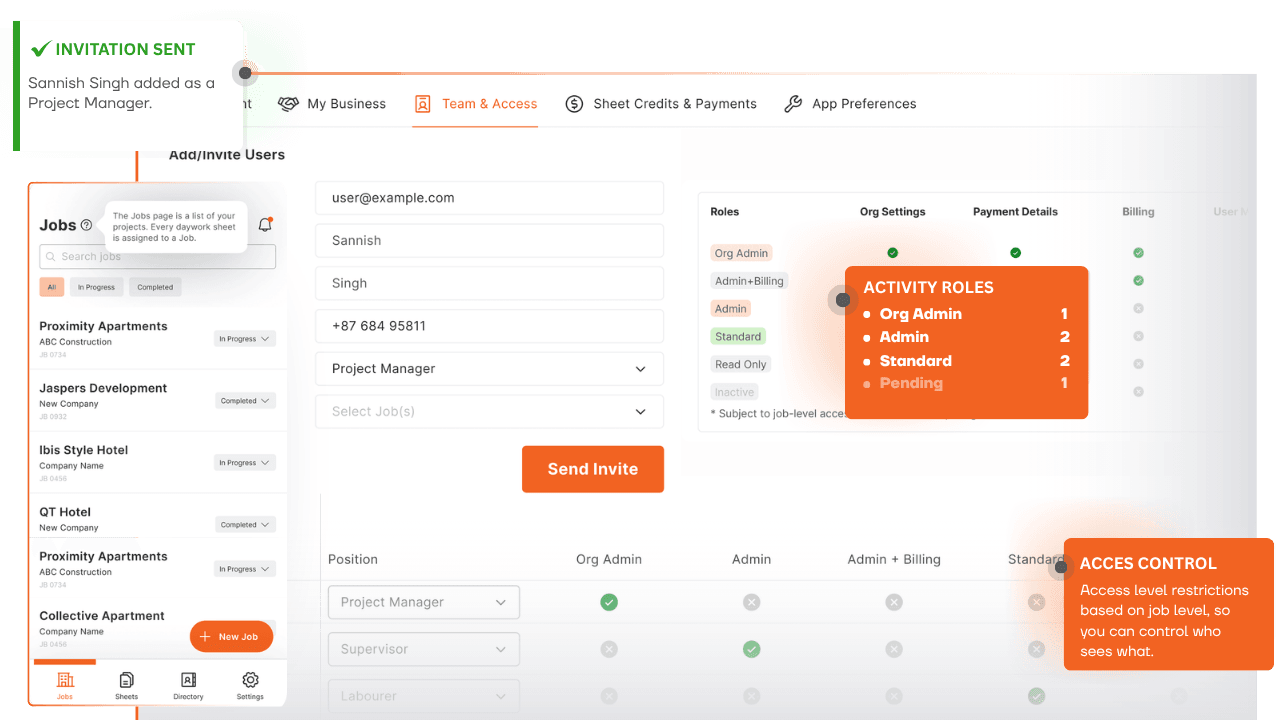
Foreman, supervisor, admin — same live data from any device, anywhere.

TEAM ACCESS

Role-Based Permissions

Control who creates, edits and approves. Everyone sees the right data.

Multi-User Access
Mobile & Web Access

FAQs

Can't find what you're looking for?

Contact support

Clients receive an email the moment a sheet is submitted. They open it on any device, review the full documentation — photos, labour, materials — and sign in under 30 seconds. No app download or login required.

Yes. The mobile app stores sheets locally when there's no signal. Everything syncs automatically the moment you regain connectivity — no data is lost and no manual action is required.

Select a date range or project, and Dayworkbook pulls all approved sheets, applies your Directory rates, calculates totals, and generates a professional PDF report — in under a minute. No spreadsheets, no manual calculations.

Yes. Every team member — site foreman, supervisor, and office staff — has their own access with no per-user fees. Roles and permissions are customisable so each person sees only what they need.

Your Rates Directory is set up once. Add each trade, plant item, or material with its unit and rate. Every new sheet automatically pulls from the Directory — no manual lookups, no pricing errors.

It's immediately locked and timestamped. A confirmation is sent to the client, the sheet is included in your next billing report automatically, and the complete record — photos, signature, GPS location — is stored permanently in your account.

Ready to ditch the paperwork?

Get started and see how Dayworkbook transforms your daywork workflow.